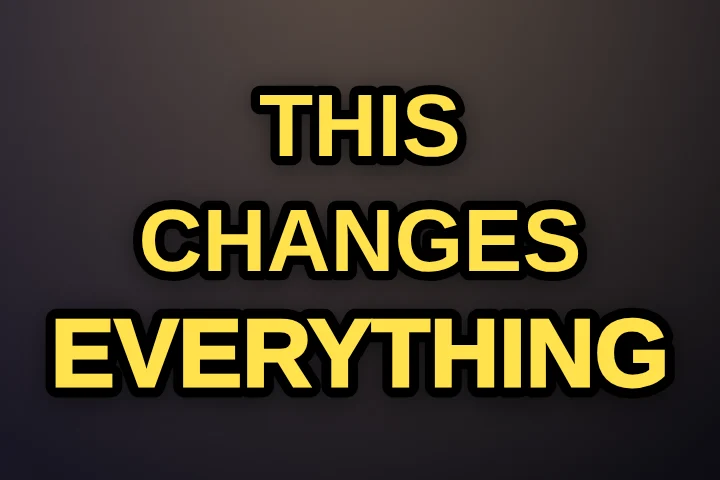
Hormozi-style captions are the bold, all-caps captions popularised by entrepreneur Alex Hormozi's short-form videos: two or three words at a time, a heavy sans-serif with a thick outline, centred in the frame, with the one word that matters picked out in colour. You can make them free in Karaoke Captions in about a minute, with no watermark and without uploading your video.
What makes a caption “Hormozi style”
- Very few words at once. Two or three, sometimes one. The viewer reads in the time it takes to say them.
- Heavy uppercase type. A black-weight sans-serif such as Montserrat, Anton or a similar display face, with a dark outline or shadow so it reads over anything.
- Centred, in the middle of the frame. Not the bottom, where subtitles usually sit and where the app's own text covers them.
- A colour code for key words. Most words are white. The important one changes colour: yellow for emphasis, green for money and wins, red for warnings and mistakes.
- Tight, word-exact timing. Each word appears the moment it's said. Late captions kill the effect.
- The occasional emoji. A 💰 over a number, a 🔥 over a strong claim. Sparingly.
Why the style works
Most short-form video is watched with the sound off at least some of the time, so the captions are the script. Showing two or three words at a time means the eye never has to scan a line, and highlighting the payload word (the number, the result, the warning) tells a skimming viewer what the sentence is about before it ends. The style is loud, but it is loud in the service of being understood quickly.
How to make Hormozi-style captions, free
- Drop your video into Karaoke Captions. It's transcribed on your device and every word is timed automatically.
- Keep the free Classic style. It already uses heavy uppercase Anton with a thick outline. For the closest match, switch the font to Montserrat in the Edit tab and keep the weight at its heaviest.
- Set words on screen to 2 or 3. Fewer words is more “Hormozi”.
- Move the captions to the middle. Choose Middle, or drag them on the preview to just below the centre so they clear the app's buttons.
- Pick your highlight colour. The spoken-word colour defaults to yellow (#FFE14D). For a money-themed video, try a bright green like #2BD96B.
- List your key words. In Words to emphasise, type the numbers and strong words (“10x, $1M, free, never”). They get the key-word treatment wherever they appear.
- Fix any word, then export. Download the MP4 with captions burned in. No watermark.
Faster with Pro
Pro does steps 5 and 6 for you, and adds motion:
- Smart highlights pick out the word that matters in each caption (numbers, strong words) automatically.
- Auto emoji drops a matching emoji above captions about money, food, love and 350+ other things.
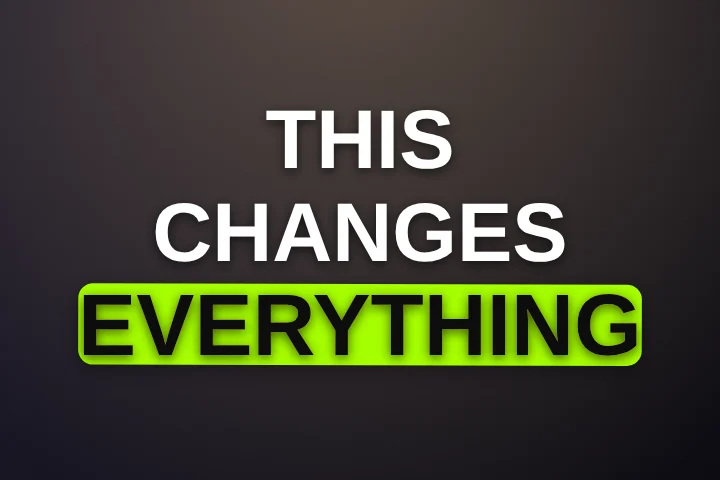
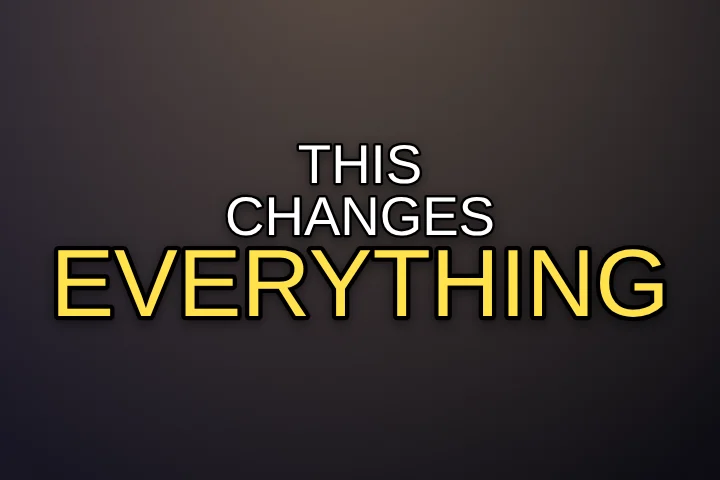
- Glide slides a colour block behind each word, Punch slams in one huge word at a time, and Stack stacks the words poster-style with the key word big. All three are close cousins of the look.
You can try every Pro style on your own clip for free before deciding; only exporting with them needs Pro. See all caption styles.
Mistakes that make it look cheap
- Highlighting every word. If everything is yellow, nothing is. One key word per caption, at most.
- Five-word lines. The look depends on short bursts. Long lines turn it back into subtitles.
- Captions under the interface. At the very bottom, TikTok and Reels cover them with your username and description. Keep them in the safe zone.
- Thin fonts. After the platform compresses your video, thin strokes break up. Stay with black-weight faces and an outline.
- Unchecked transcripts. A misheard brand name in giant capitals is hard to miss. Read the transcript once before exporting.
Karaoke Captions is not affiliated with or endorsed by Alex Hormozi or Acquisition.com. “Hormozi style” describes a widely copied caption look.
Frequently asked questions
What font does Alex Hormozi use for captions?
His videos use a heavy, black-weight uppercase sans-serif, commonly matched with Montserrat Black or similar display faces. Montserrat and Anton are both free in Karaoke Captions.
What colours are used in Hormozi captions?
White for most words, with key words in yellow for emphasis, green for money and results, and red for warnings or mistakes.
Can I make Hormozi captions for free?
Yes. The free Classic style with Montserrat, 2–3 words on screen, middle position and your key words listed gets you the look, exported as MP4 with no watermark.
Does it work for Reels and YouTube Shorts?
Yes. The same 9:16 captions work on TikTok, Instagram Reels and YouTube Shorts. Keep them in the middle of the frame so no app covers them.