2 free · 69 Pro · try any of them on your own video, free
71 animated caption styles for TikTok, Reels and Shorts
Every word-by-word caption style in Karaoke Captions, each shown exactly as it exports. Pick one, drop in your clip, and see it on your own video before you decide anything.
Try a style on your video → Nothing uploaded · no account · no watermark on free stylesA caption style is the whole look of your captions: the typeface, colours, how many words sit on screen, and how each word arrives and is highlighted as it's spoken. Karaoke Captions has 71: two free styles you can fully customise, and 69 animated Pro styles with motion a basic editor can't do. Every one is word-by-word, timed automatically to your audio.
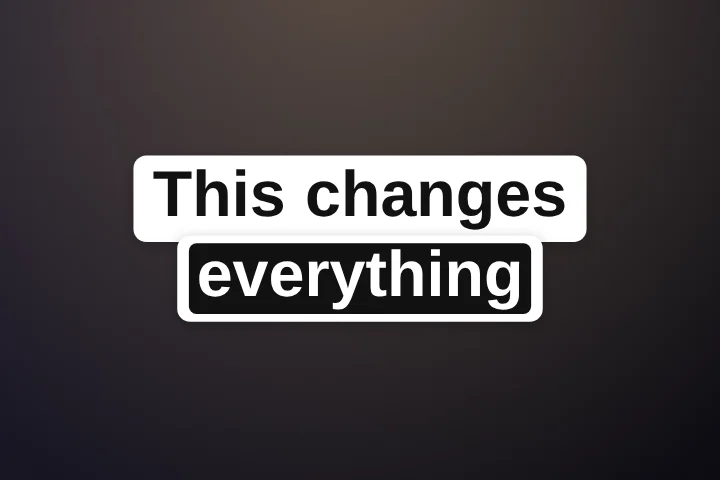
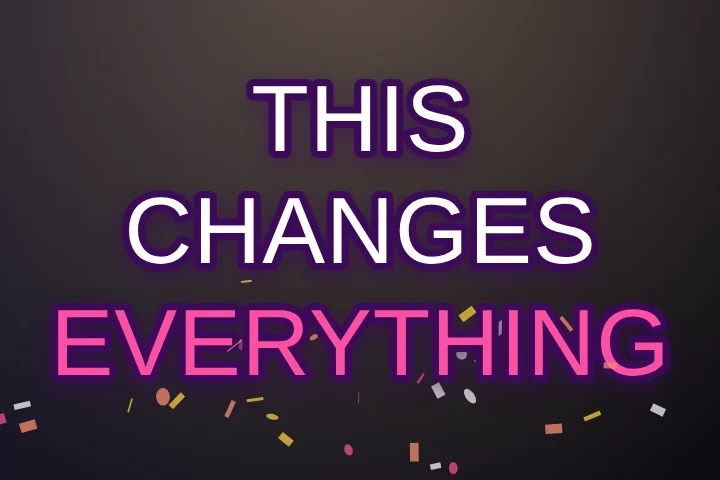
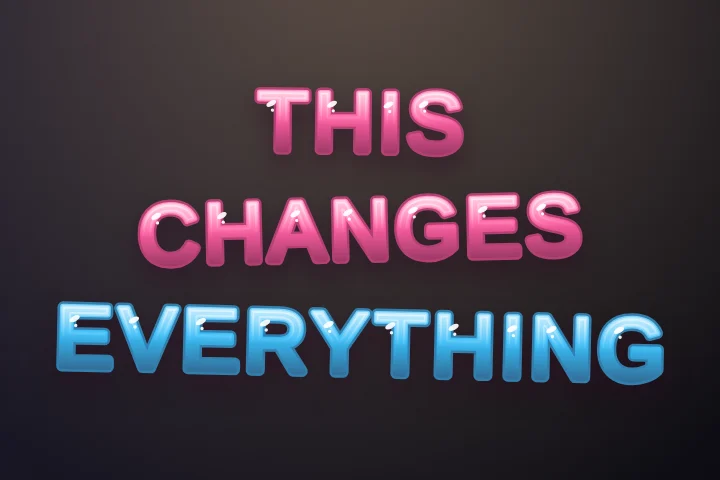
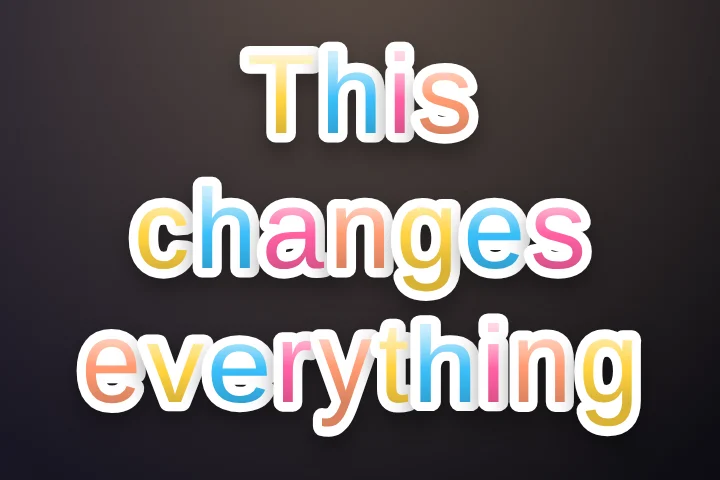
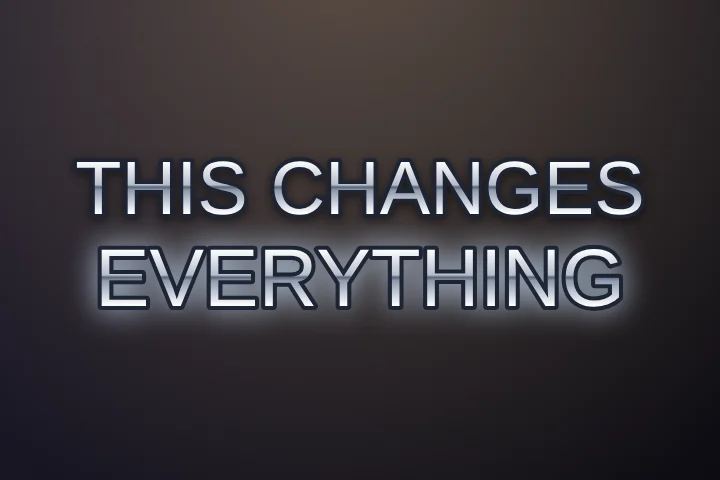
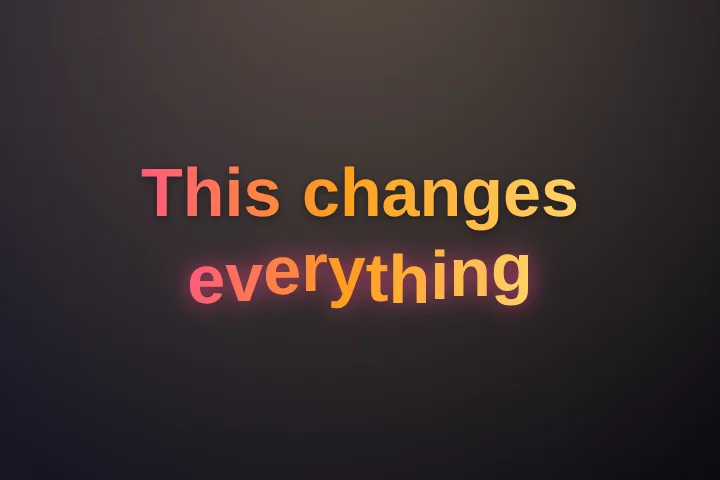
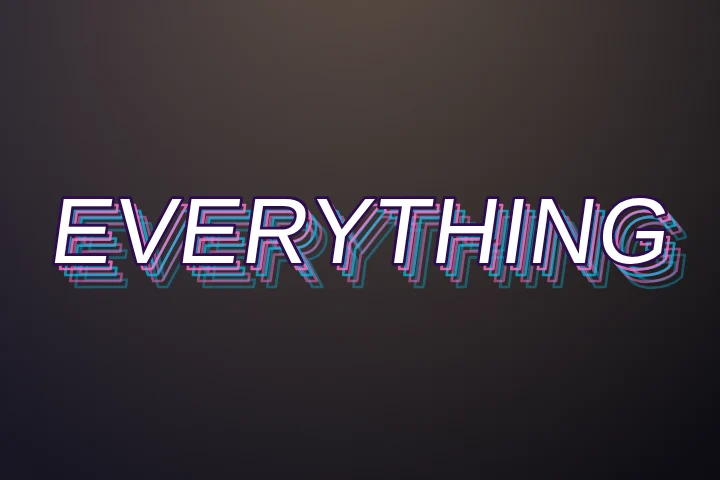
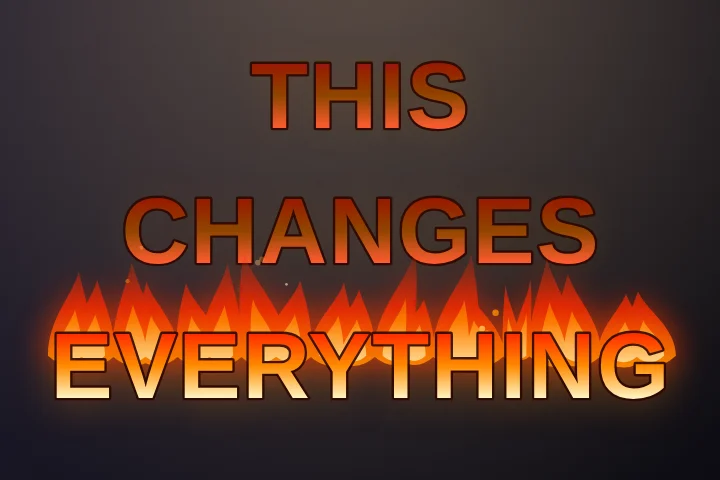
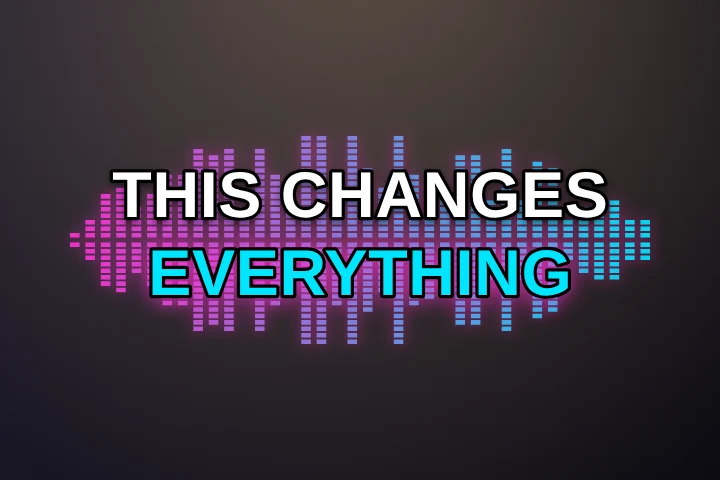
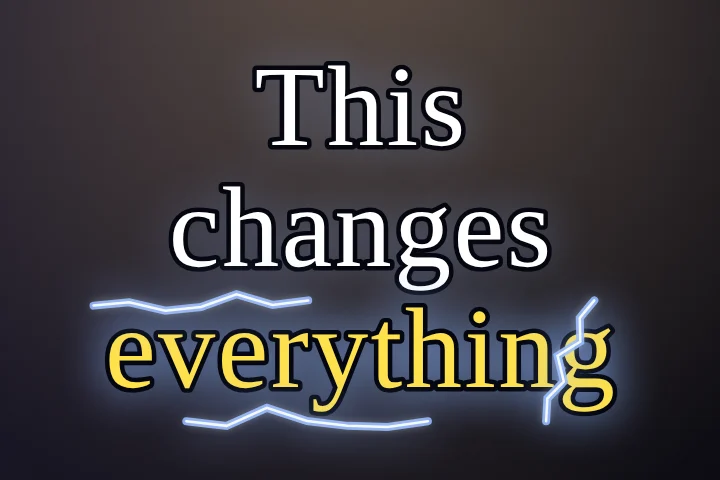
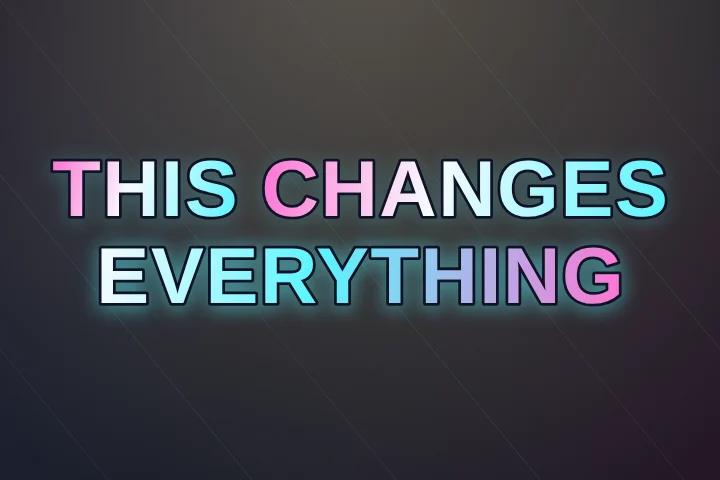
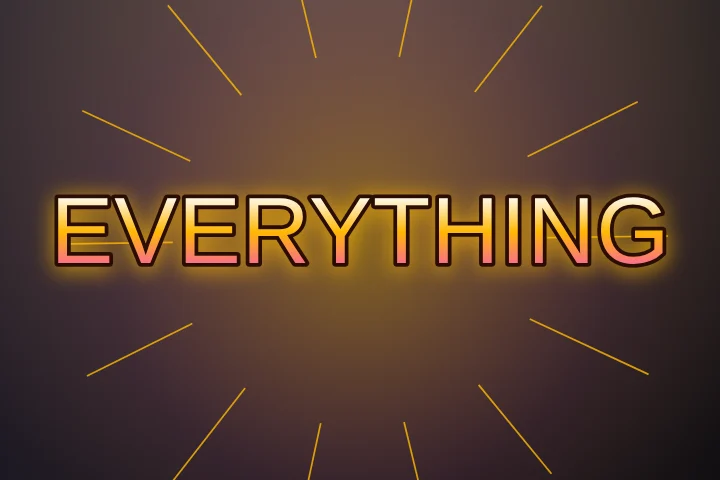
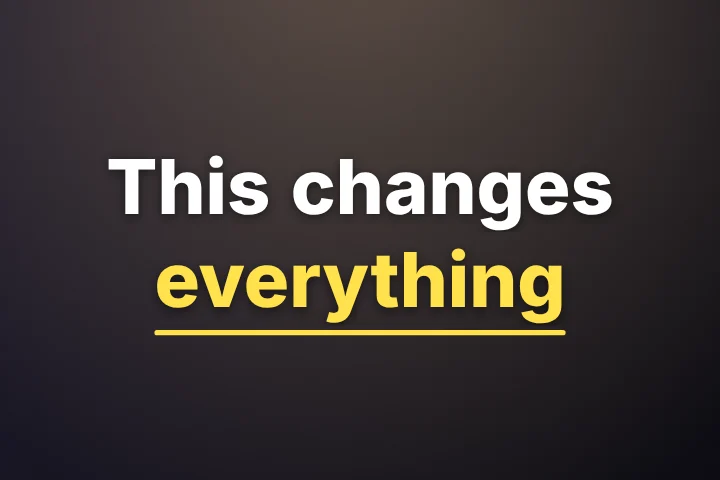
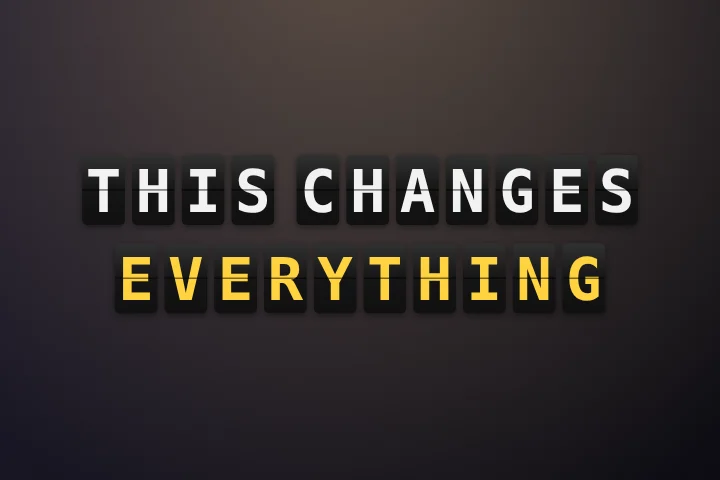
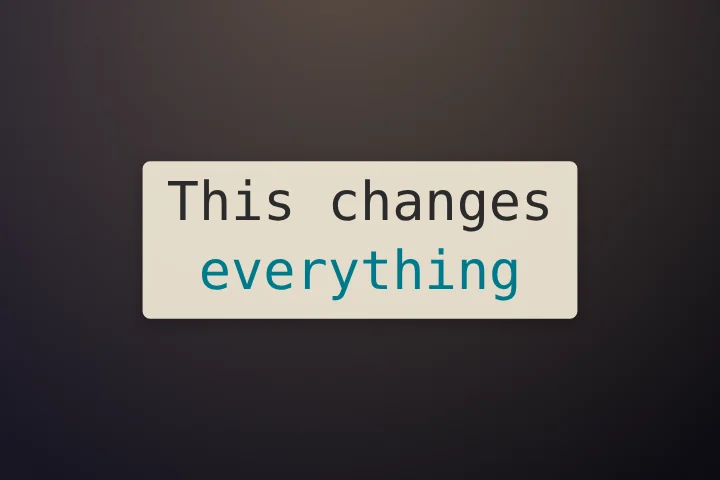
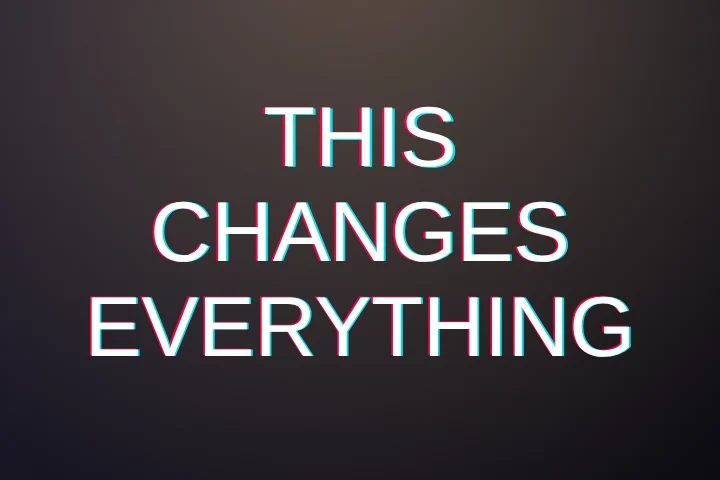
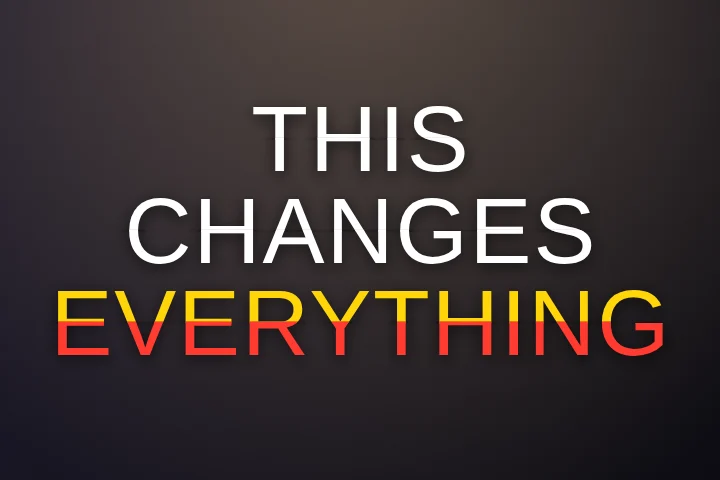
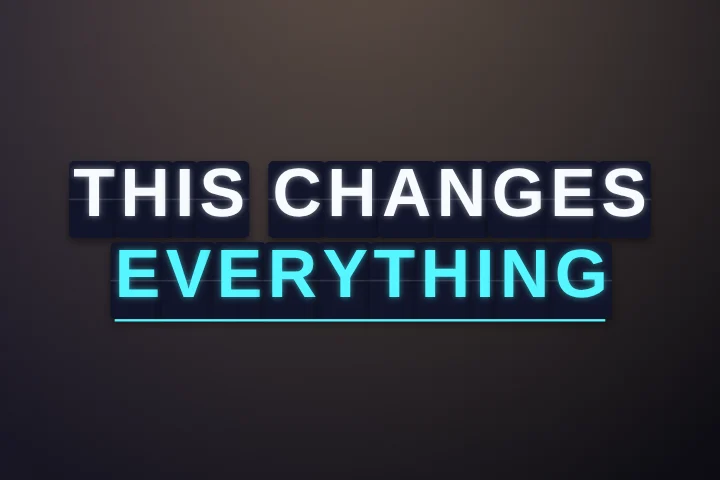
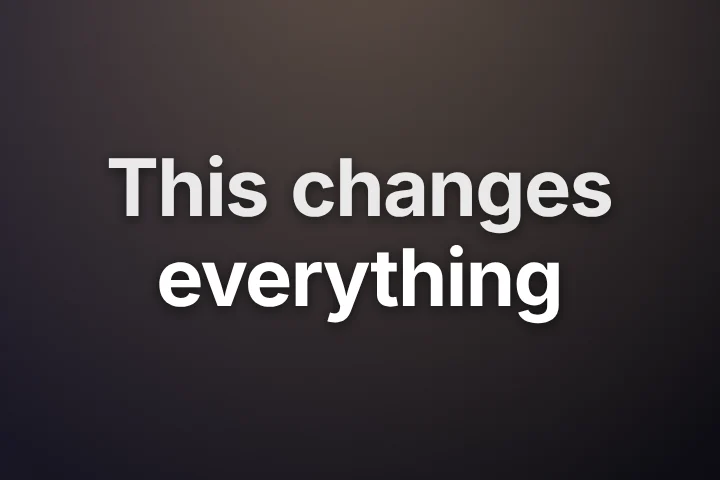
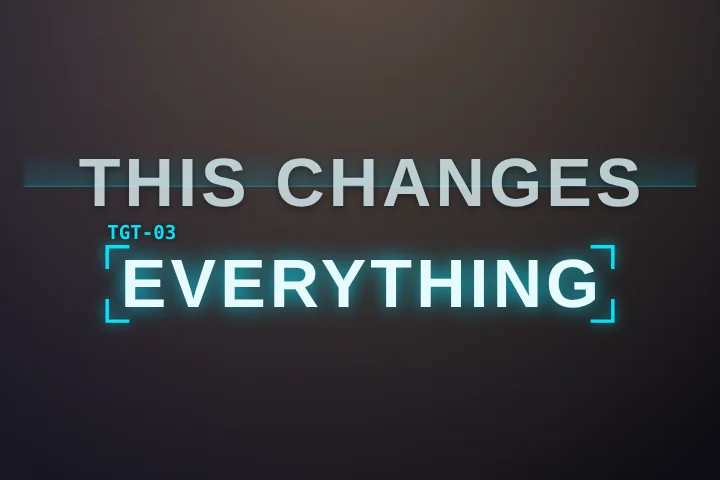
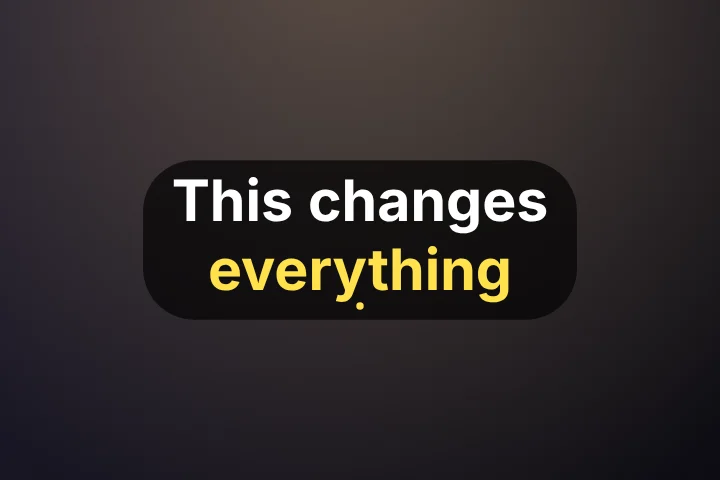
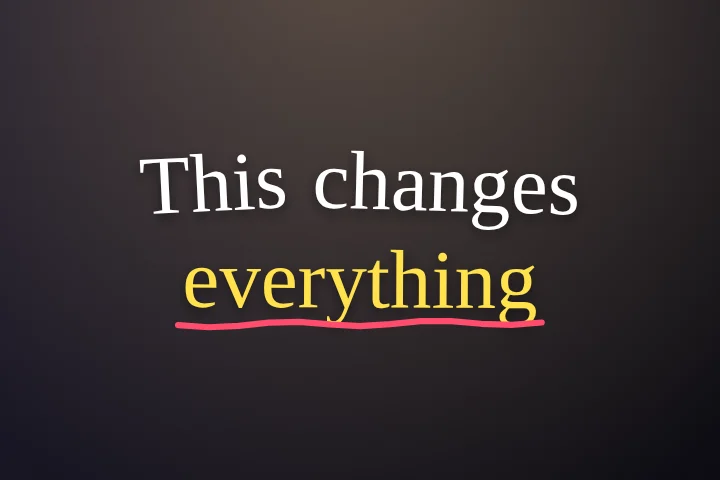
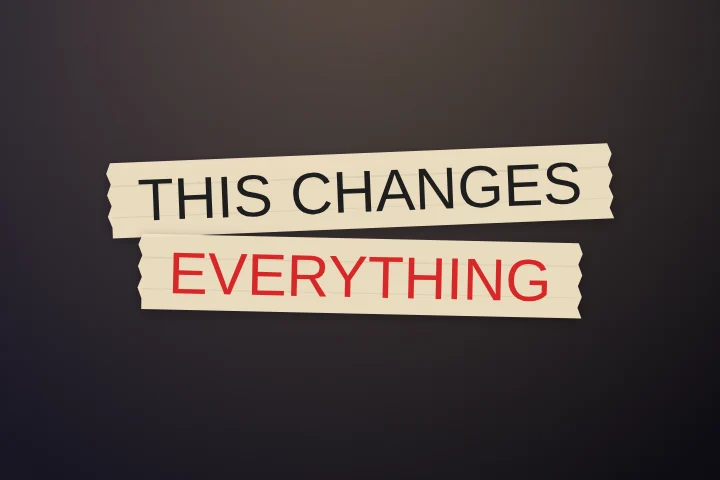
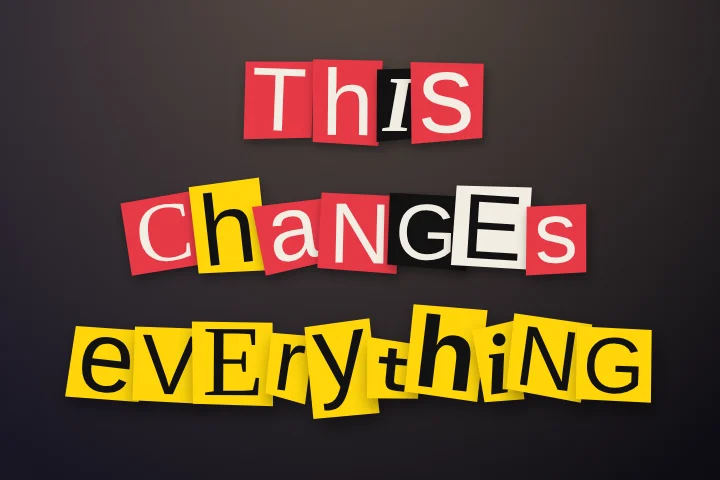
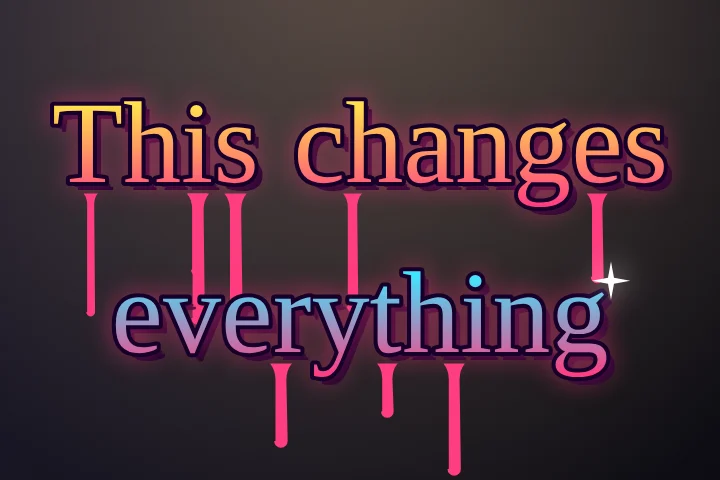
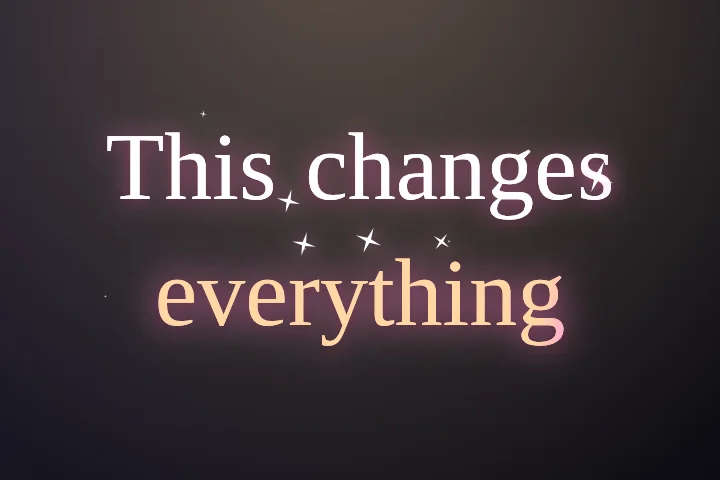
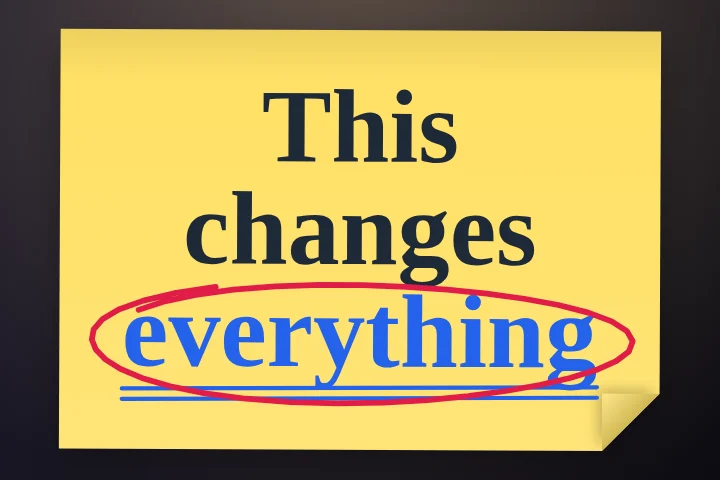
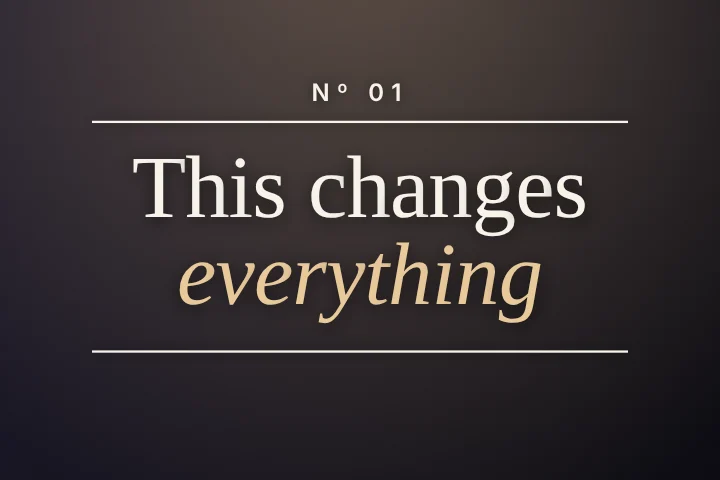
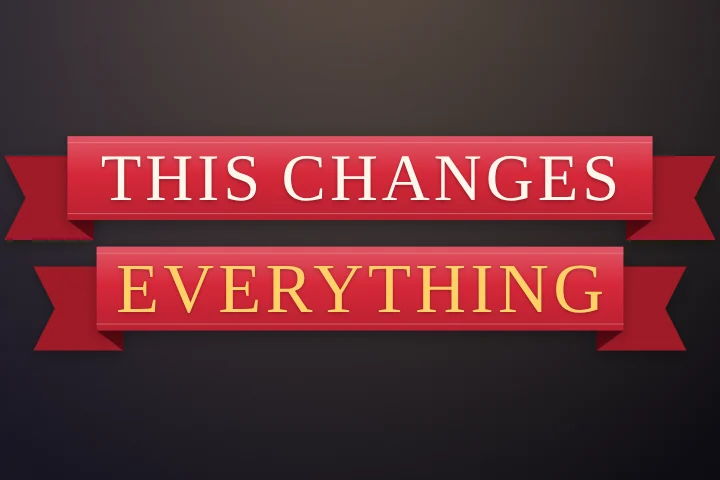
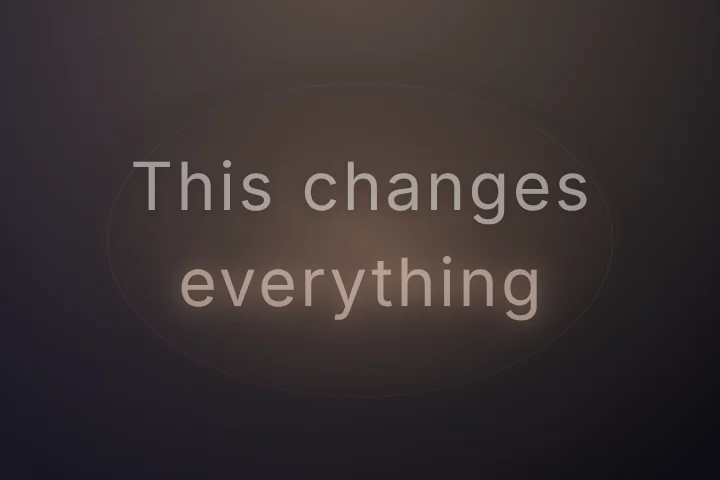
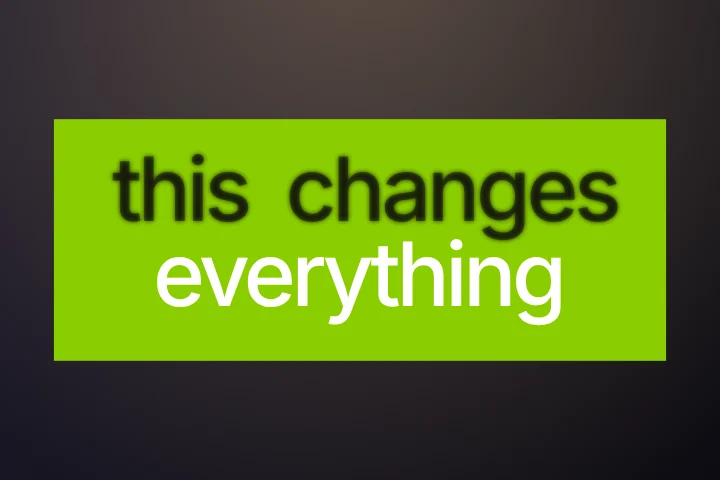
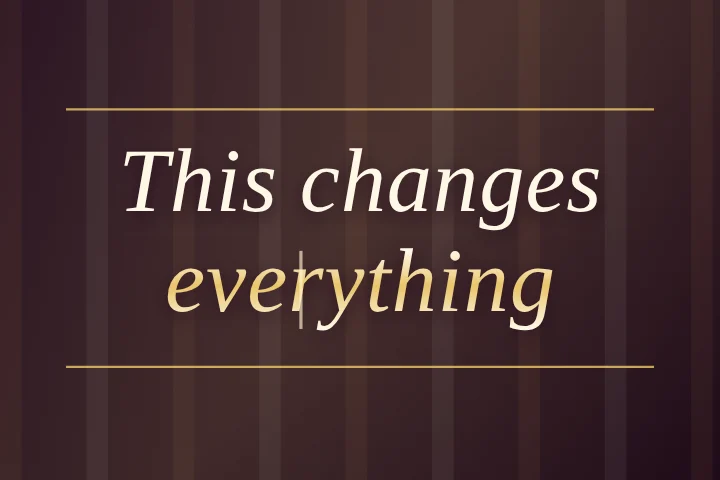
The pictures below aren't mock-ups. Each is a frame drawn by the same code that renders your exported MP4, with the phrase “This changes everything” and the last word marked as the key word.
Which caption style suits your video?
| Your video | Why | Start with |
|---|---|---|
| Talking head, tips and explainers | The words carry the video, so legibility beats decoration. Short bursts, heavy type, one colour doing the highlighting. | Classic, Glide, Punch, Stack, Highlighter |
| Music, covers and lyric videos | Sung words are held longer than spoken ones, so the highlight should travel through a line rather than punch single words. | Lyrics, Sing-Along, Bouncing Ball, Lyric Sheet, Fill Up |
| Podcasts and interviews | Long takes, two voices, viewers who stay for minutes. Calm styles that keep a full sentence readable win here. | Podcast, Chat Bubble, Spotlight, Focus |
| Storytelling and vlogs | Mood matters more than punch. Let the type set the tone, and keep the motion slow. | Cinematic, Typewriter, Editorial, Sticky Note |
| Gaming, sport and hype edits | Fast cuts and loud audio. Big, chunky, high-energy styles that still read at a glance. | Combo, Arcade, Glitch, Thunder, Varsity |
| Brands, products and premium content | Restrained typography that looks designed rather than templated. | Velvet, Type Hierarchy, Rise, Breathe |
| News, money and data | Formats viewers already associate with information. | Headline, Ticker, Newsprint, Receipt |
Whatever you pick, three rules hold on a phone screen: keep it to one to three words at a time for speech, make sure the text has an outline or a box behind it so it reads over any background, and keep it clear of the app's buttons (see caption safe zones).
Free caption styles
Both free styles come with every control: colour of the spoken word and the rest, font, case, size, outline, position, words on screen, word pop and words to emphasise. They export as MP4 with no watermark, and as SRT or VTT.
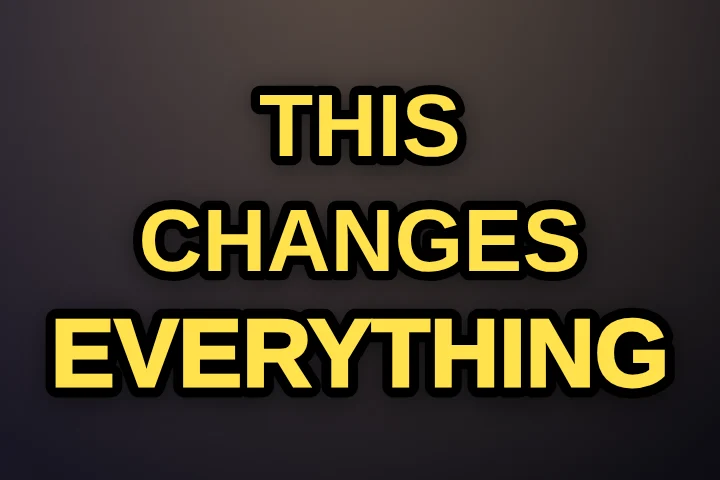
A popular recipe built on Classic: Hormozi-style captions, step by step.
Viral caption styles 11
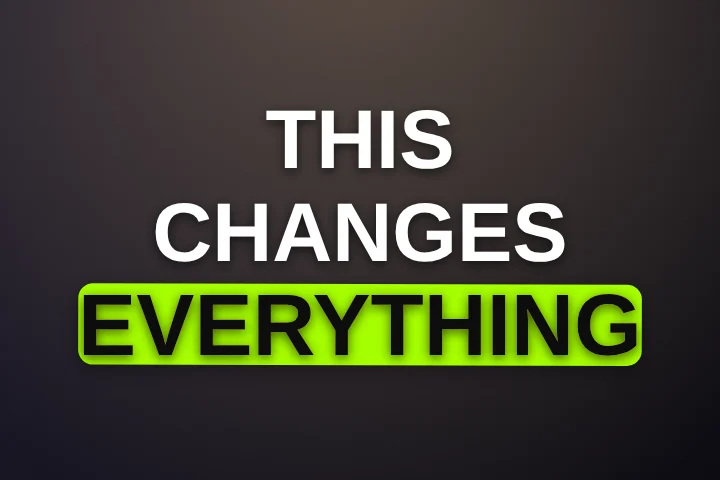
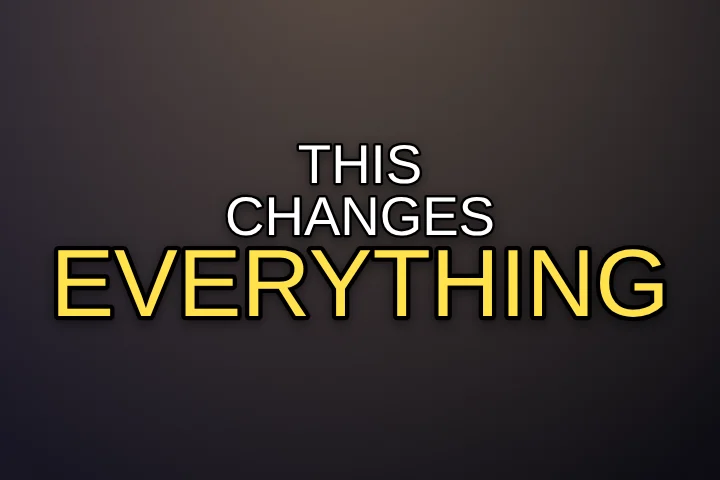
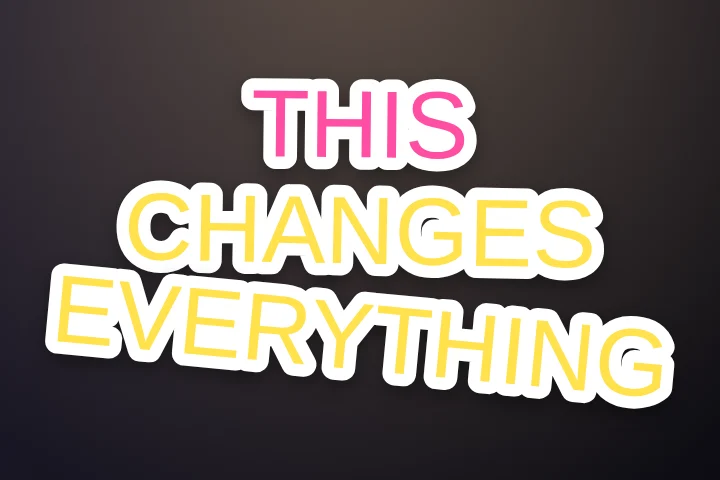
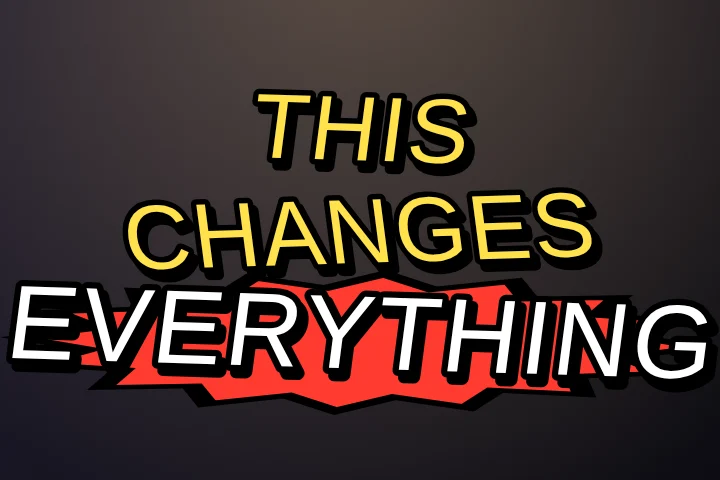
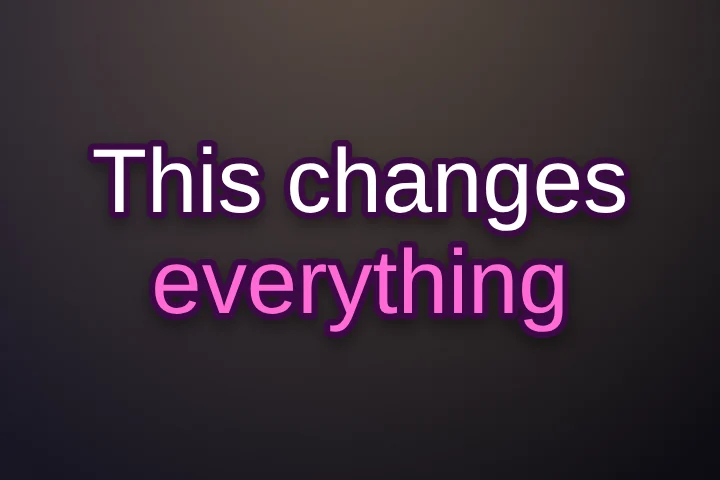
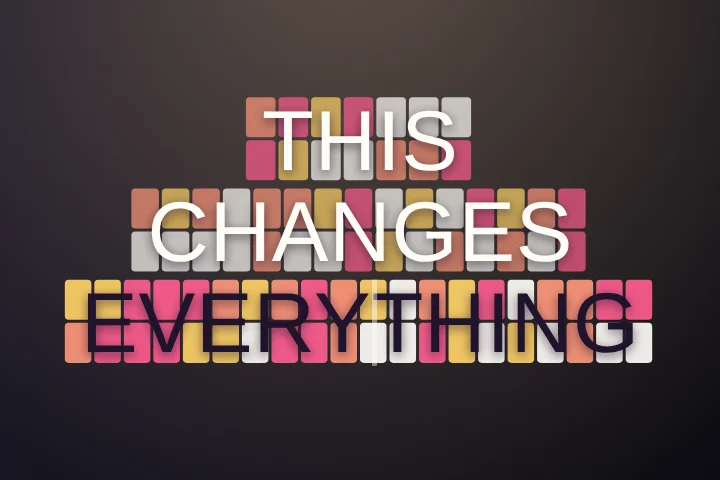
Karaoke caption styles 6
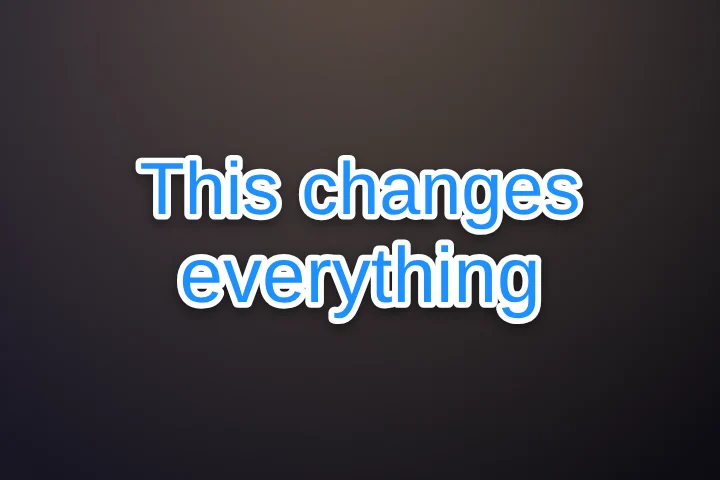
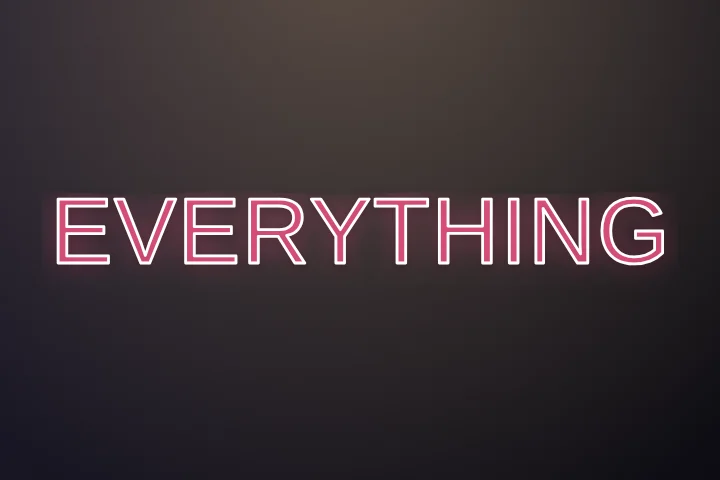
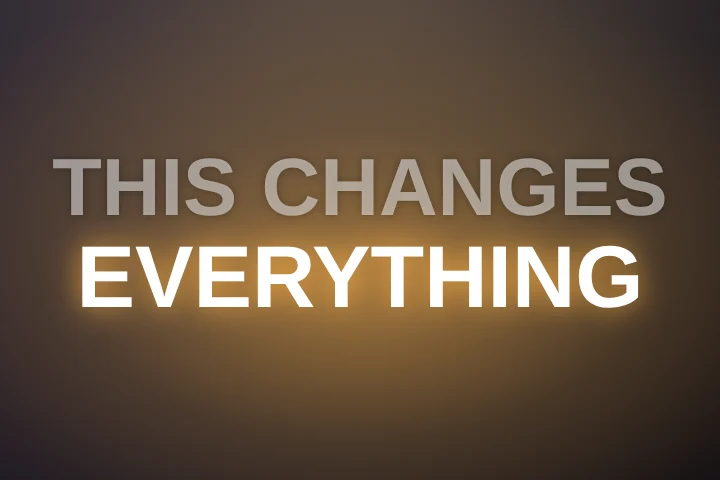
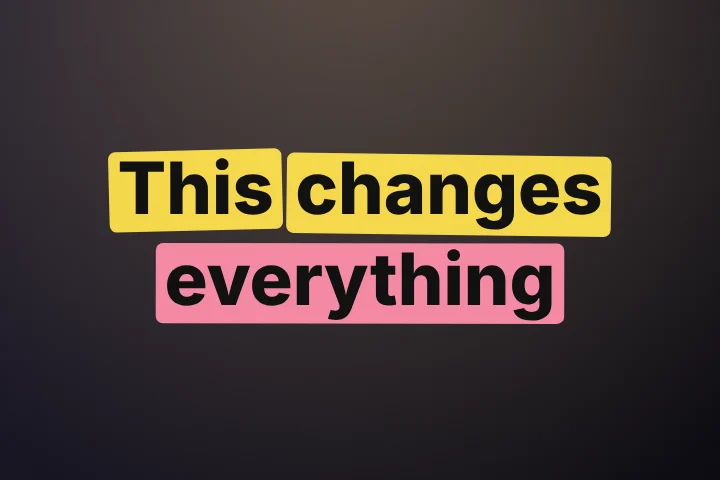
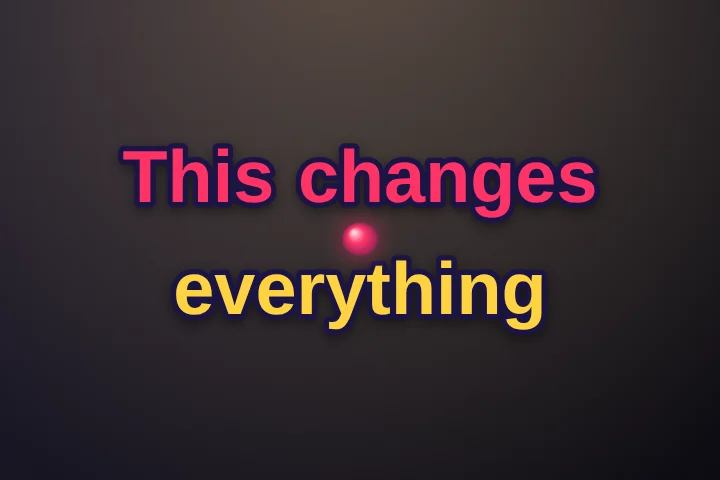
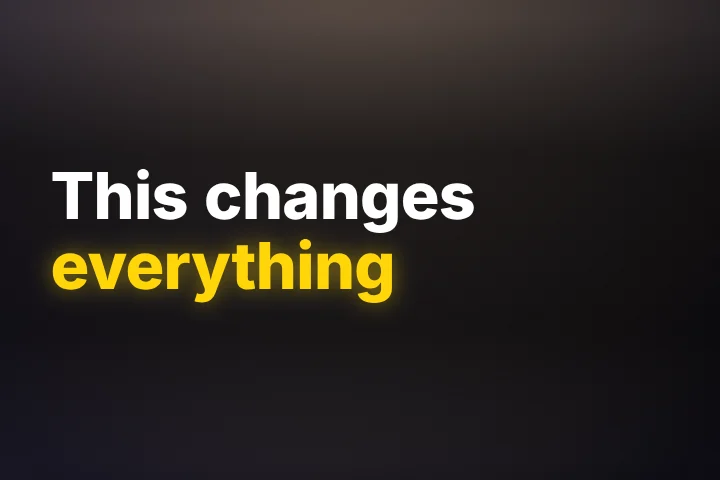
Glow caption styles 9
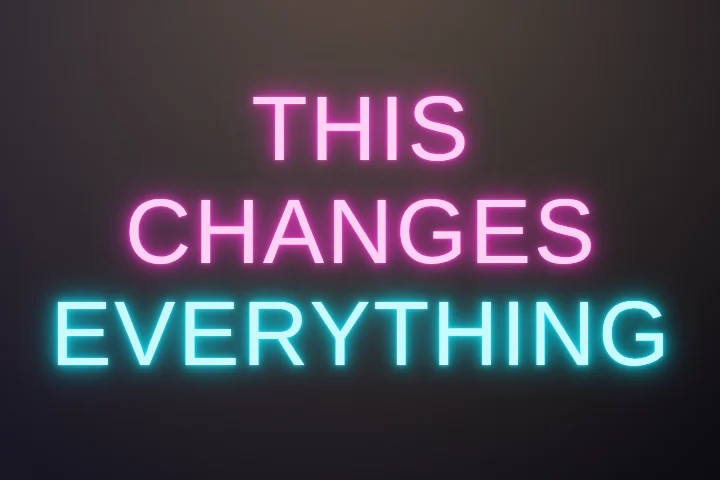
Motion caption styles 10
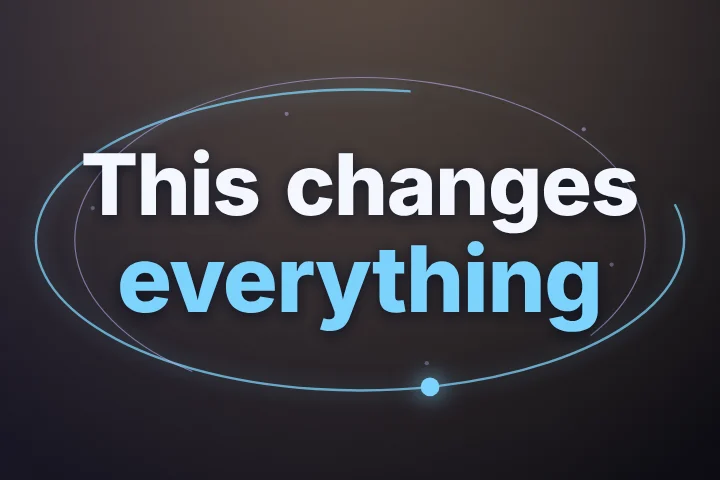
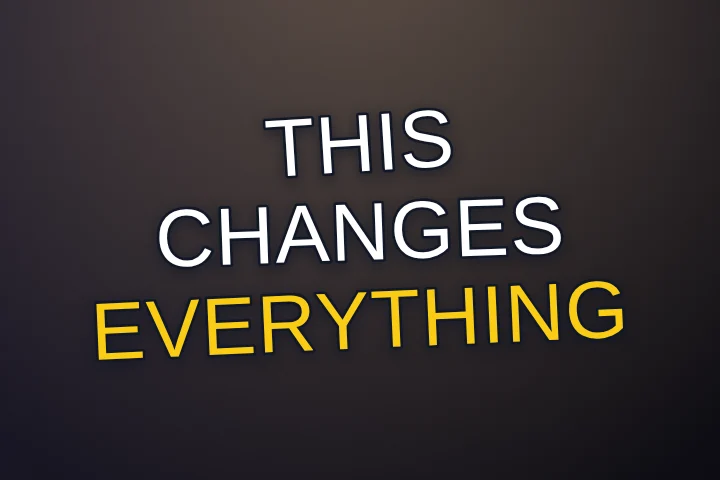
Aesthetic caption styles 15
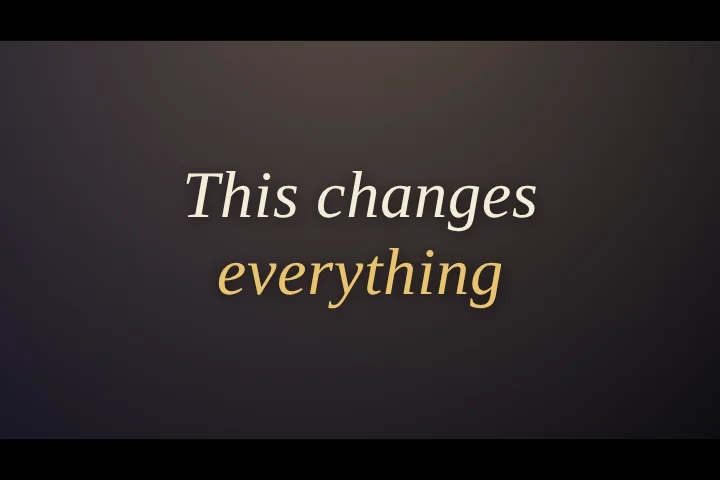
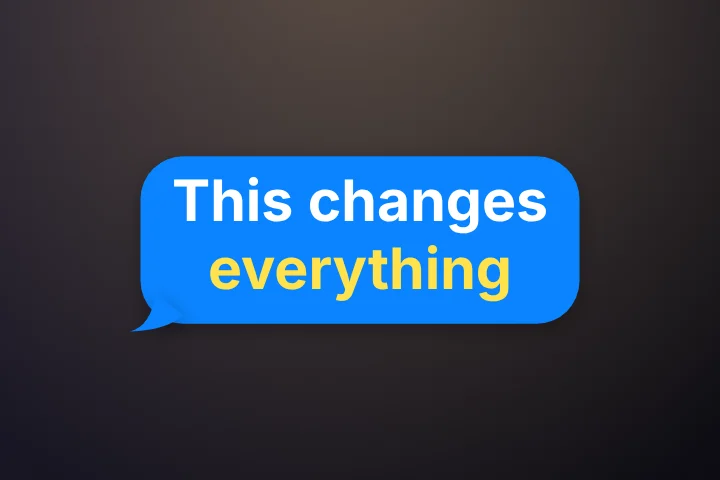
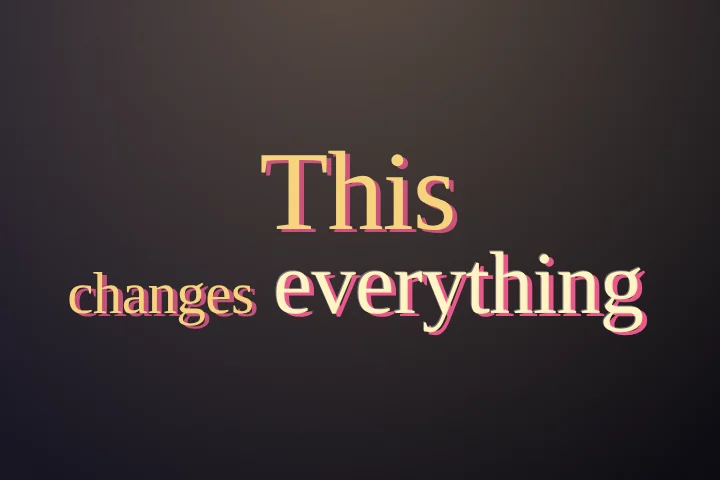
Retro caption styles 7
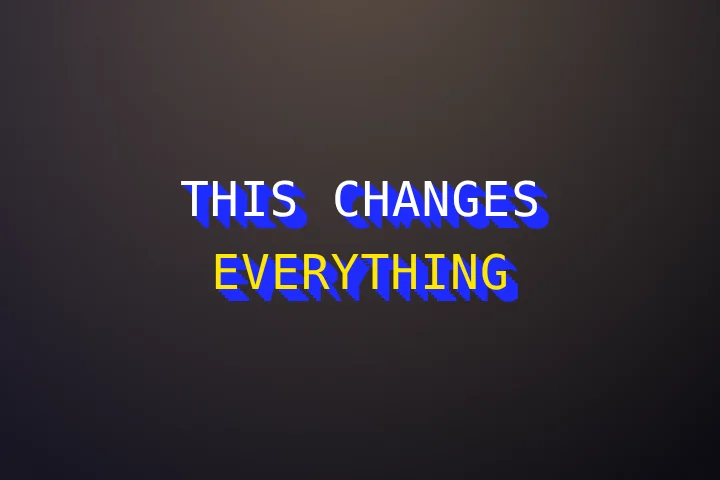
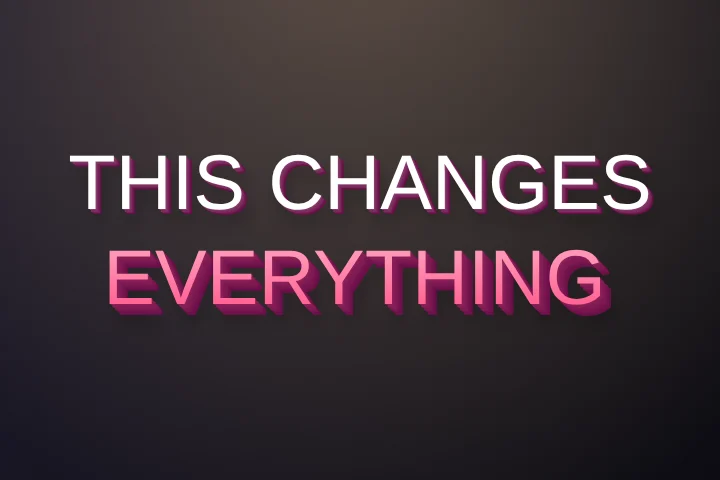
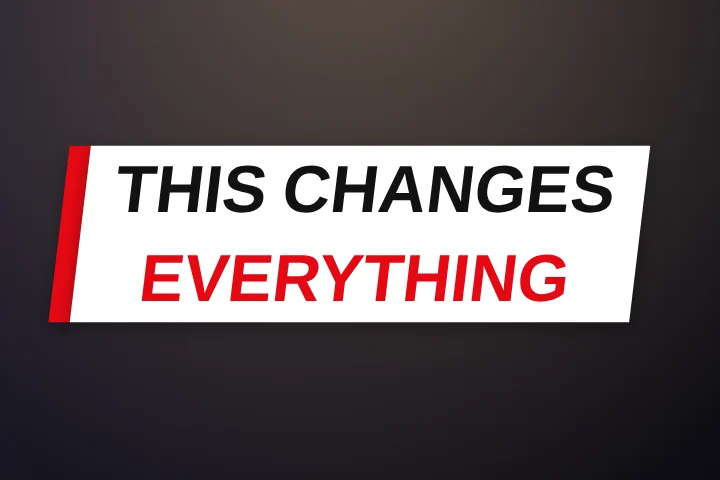
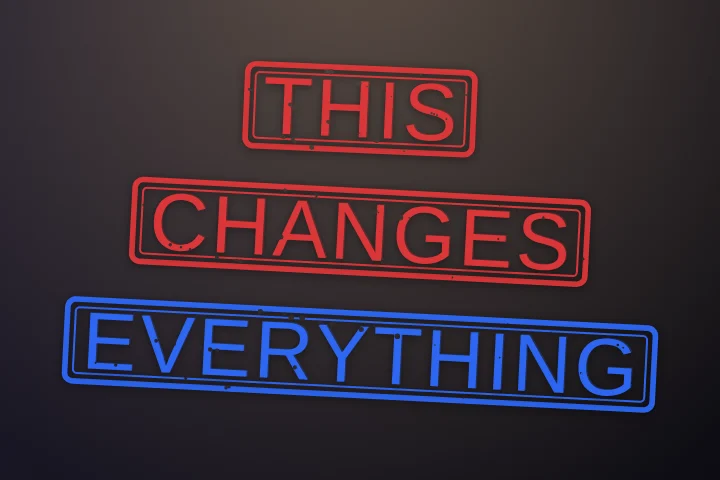
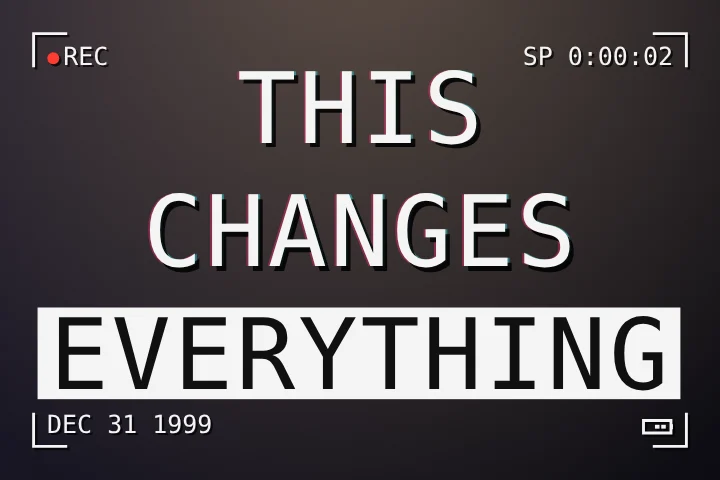
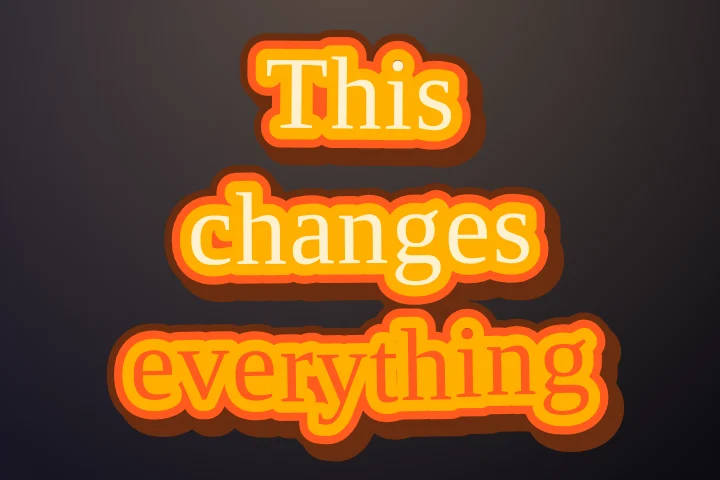
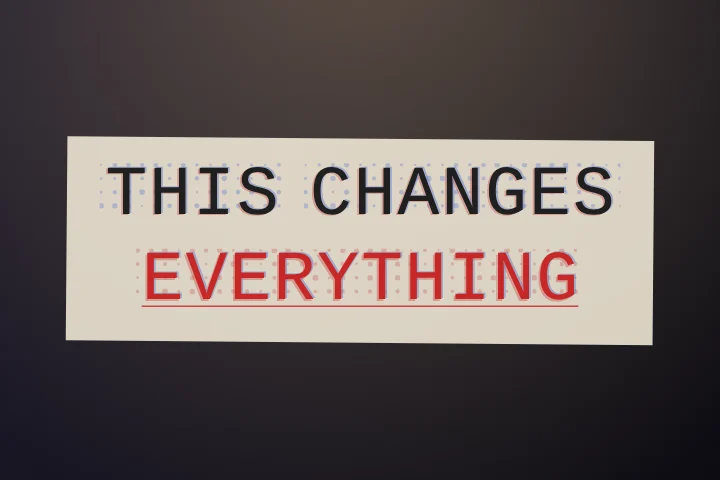
Themed caption styles 11
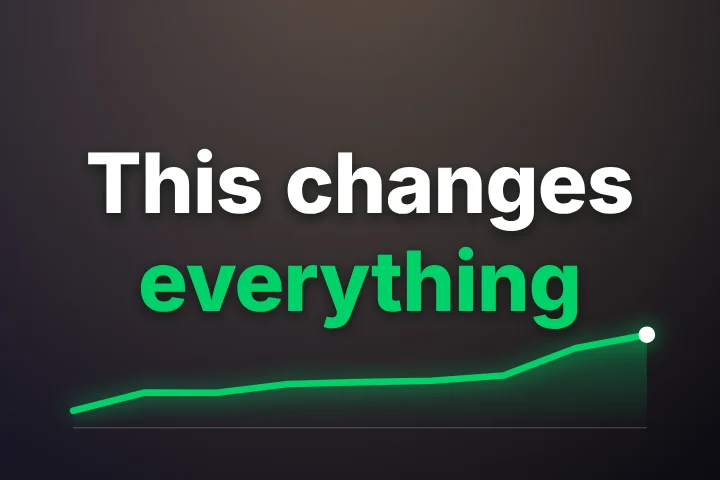
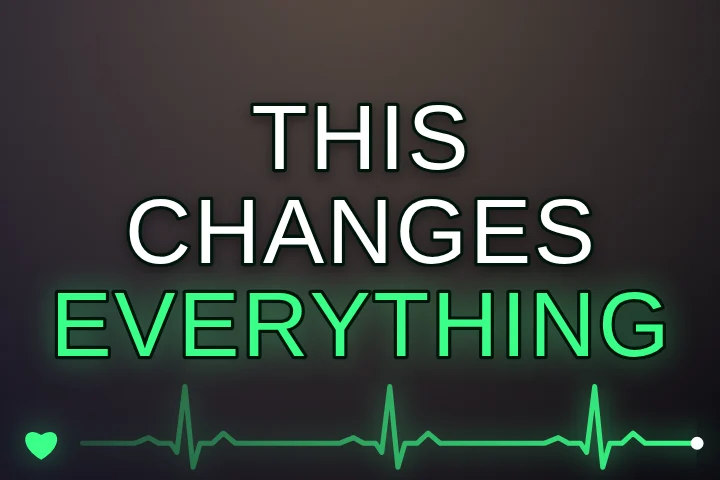
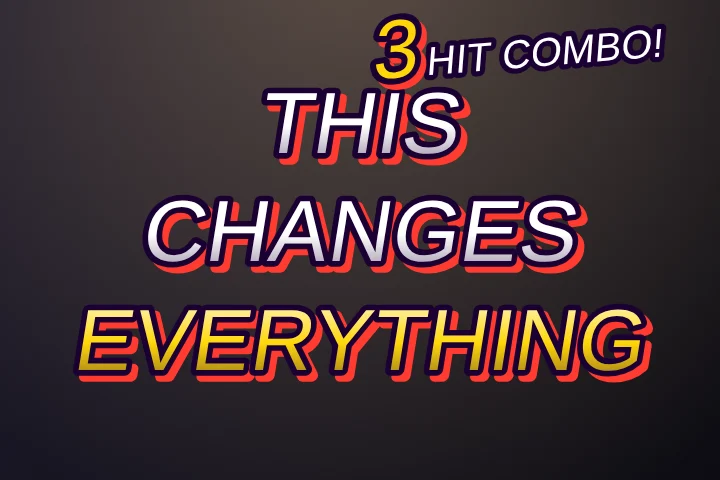
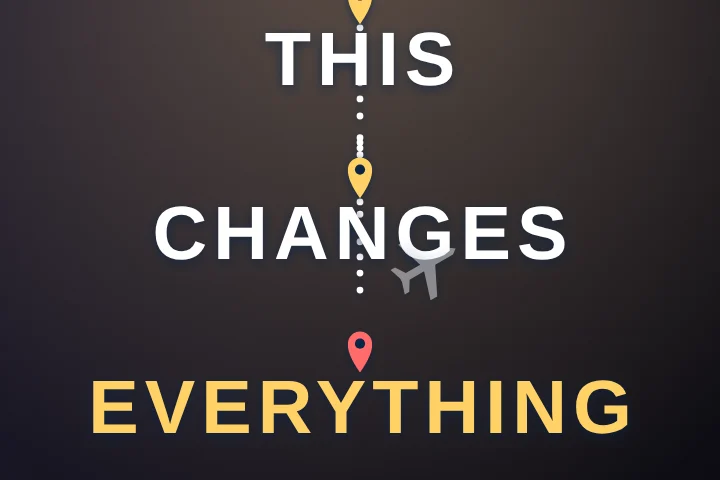
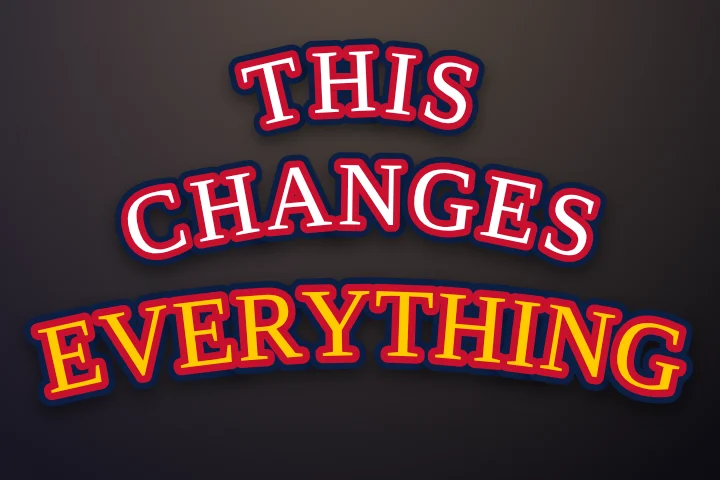
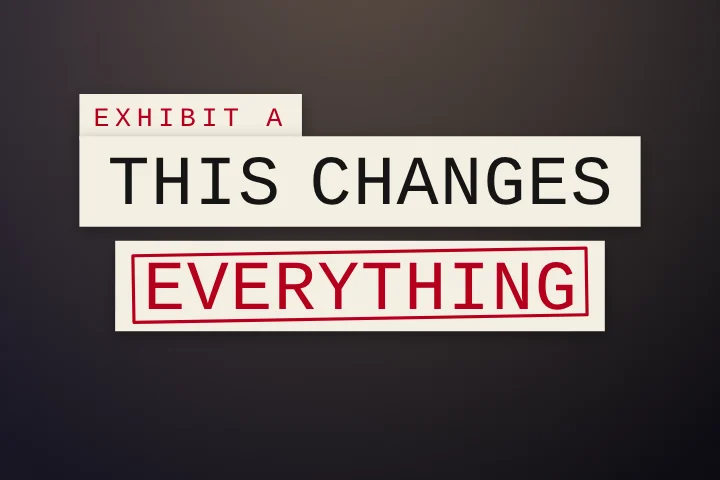
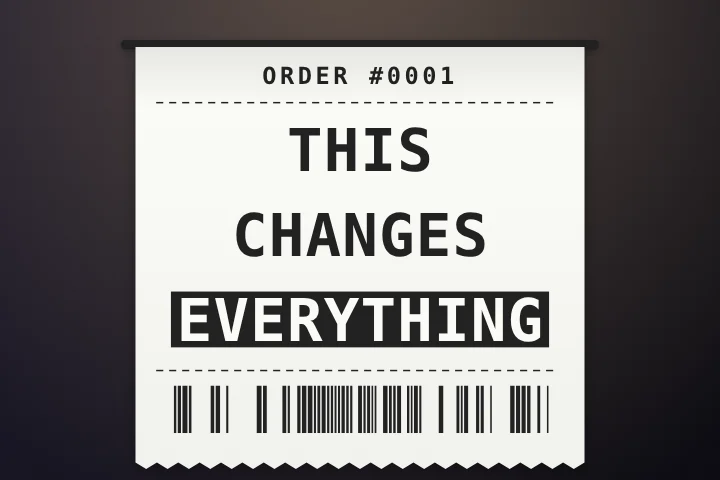
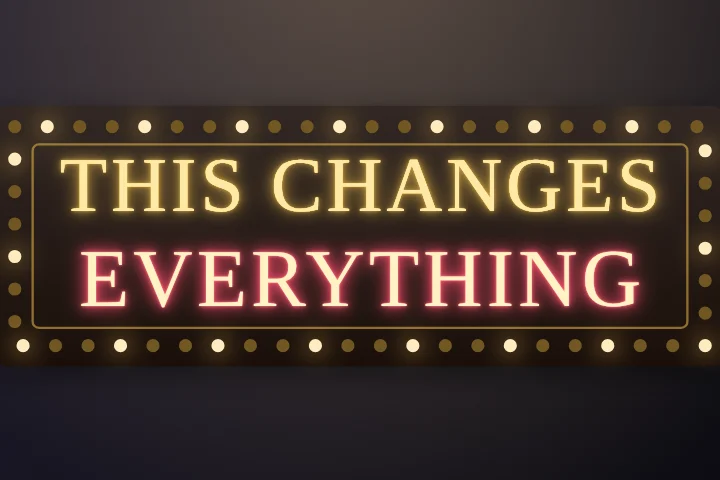
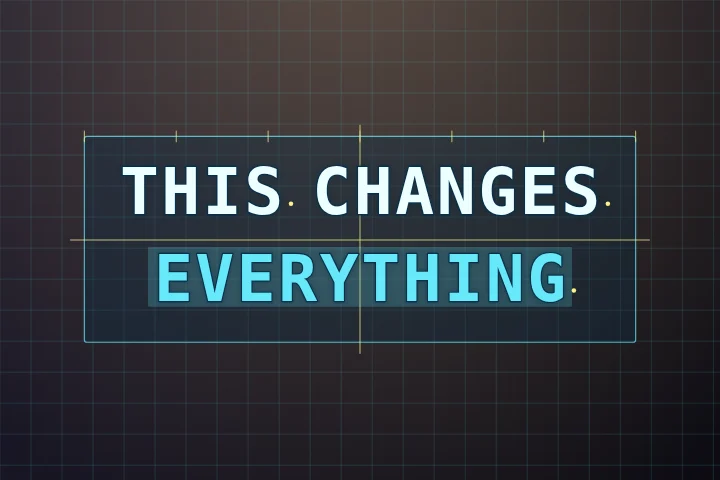
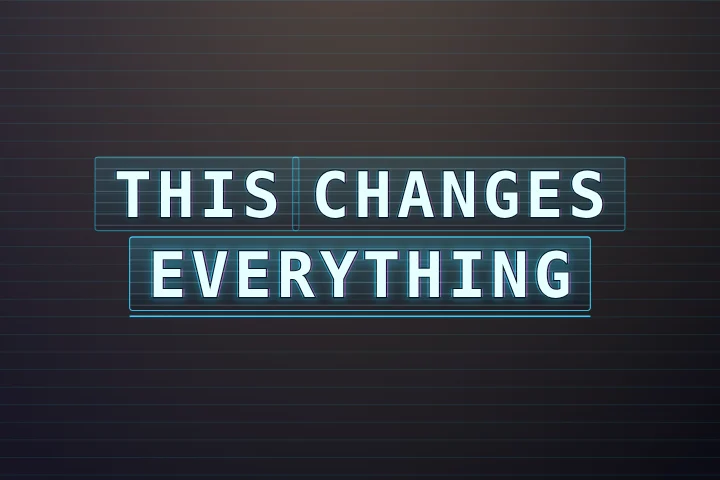
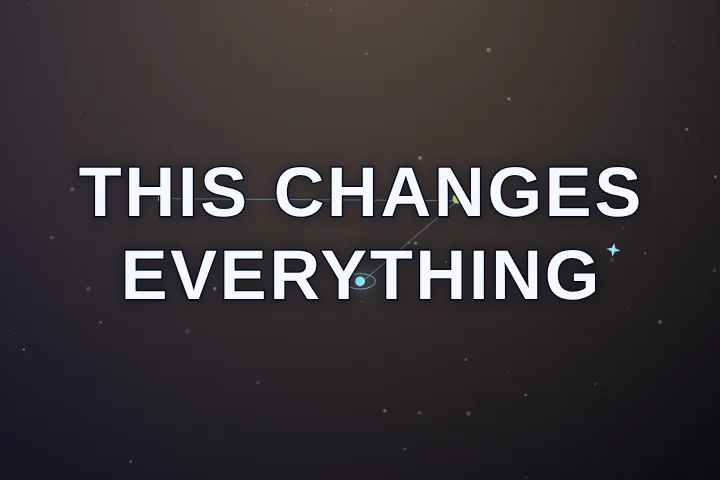
What every Pro style lets you change
- Colours. Each style has three or four designed colourways (the dots on each card), and you can set any colour by hand.
- Font, case and size. Swap the typeface, switch caps on or off, scale it up or down.
- Words on screen and position. One word at a time or a full line, top, middle, bottom, or dragged anywhere on the preview.
- Animation speed. Slow a style down for calm content or speed it up for fast edits. Word timing never changes.
- Magic tools. Auto emoji, smart highlights and filler-word cleanup work with every style, Classic included.
Trying a Pro style costs nothing: apply it in the editor and watch it on your own clip. Exporting with it needs Pro. If you'd rather not pay, “Export without Pro features” is always one click away and gives you a free MP4 in Classic.
Frequently asked questions
Are these caption styles free?
Two are free with no limits: Classic and Lyrics, both fully customisable and exported with no watermark. The other 69 are Pro styles. You can apply any Pro style to your own video for free; only exporting with it needs Pro.
Which caption style is best for TikTok?
For talking videos, a bold uppercase style showing one to three words at a time: Classic (free), Glide, Punch or Stack. For music, a style that wipes colour through each word, like Sing-Along or Bouncing Ball.
Can I use my own fonts and colours?
You can choose from the built-in fonts and set any colour for the text, the spoken word and the outline. Custom font uploads are not supported yet.
Do the styles work on landscape video?
Yes. Every style lays itself out for the frame you give it, vertical 9:16, square or landscape 16:9.
Will the export look exactly like the preview?
Yes. The preview, these pictures and the exported MP4 are drawn by the same renderer, so what you pick is what you get.
Can I save a style I made?
Yes. Save any customised style by name and it appears under “Mine” in the style gallery. Sign in (optional) to sync saved styles across devices.
See them on your own clip
Drop a video in, open Styles, click through. Nothing uploads.
Open the free tool →