Free · no watermark · nothing uploaded
Word-by-word karaoke captions for any video.
Karaoke Captions is a free word-by-word caption generator that runs in your browser. Drop in a clip: every word is transcribed, timed and lit up the instant it's spoken. Pick a look, export a finished MP4. The video never leaves your device.
Works best in Chrome or Edge on desktop. Keeps working offline once loaded.
- Price
- $0
- Uploads
- 0
- Watermarks
- 0
- Sign-ups
- 0
Why it's different
Other tools make you pick two. You get all three.
Free caption tools hand you a plain .srt and call it done. The polished paid ones animate your words, but only after your video goes up to their servers and a watermark lands on the export. Karaoke Captions skips both.
- 01No watermark
Free, and it stays free
Caption and export as many videos as you want. No watermark across the frame, no three-export trial that suddenly wants a card.
- 02Stays on your device
Your video never gets uploaded
Transcription runs locally, in your browser. There's no server copy of your footage to leak, subpoena, or forget to delete.
- 03Word-by-word
Real karaoke captions
Each word lights up as it's said, and you control how it looks and moves. What you download is a finished video, not a subtitle file you still have to burn in.
How it works
Three steps. Follow the ball.
No timeline to learn, no tutorial to sit through.
- 1
Drop your video
Vertical or landscape. It opens instantly: no upload, no render queue to sit behind.
- 2
Captions appear
Every word is transcribed and timed for you, then laid out as a transcript you can fix by hand.
- 3
Style & export
Pick an accent colour and font, switch on the word-pop, and download the MP4. Or grab SRT and VTT to caption somewhere else.
The looks
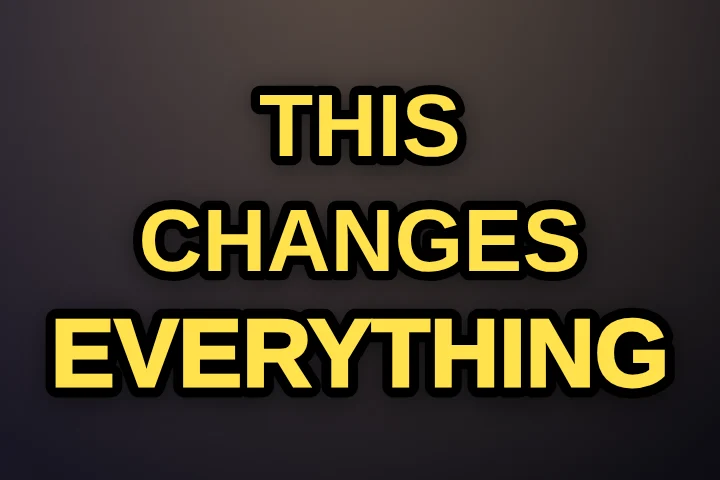
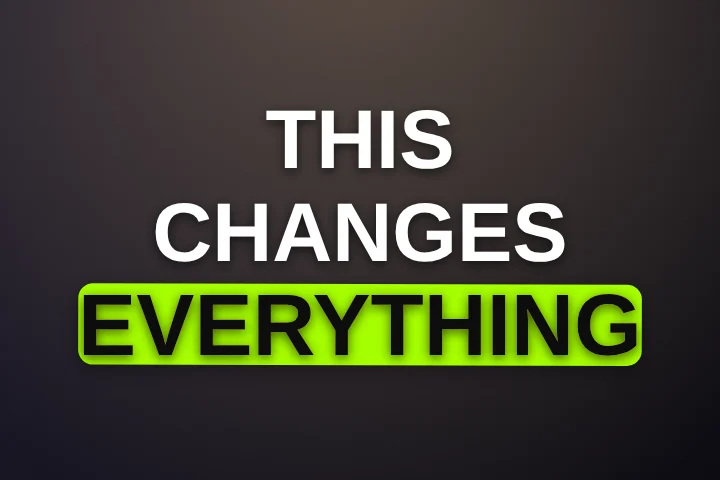
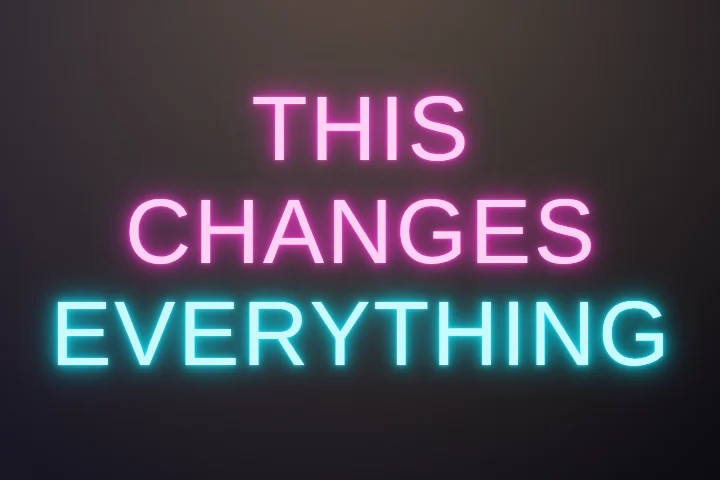
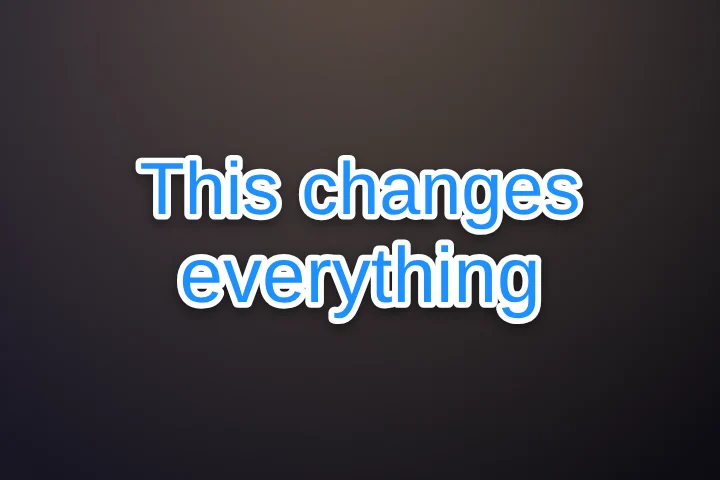
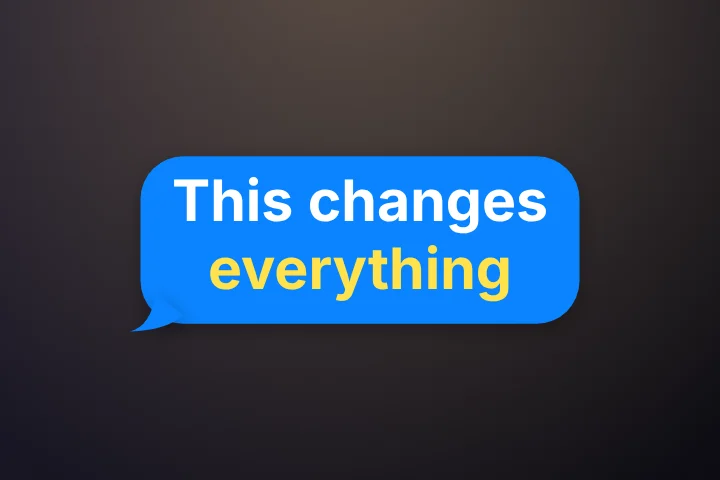
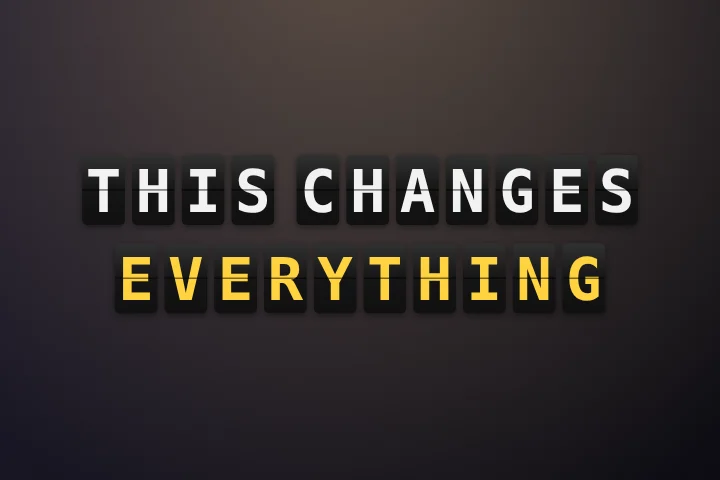
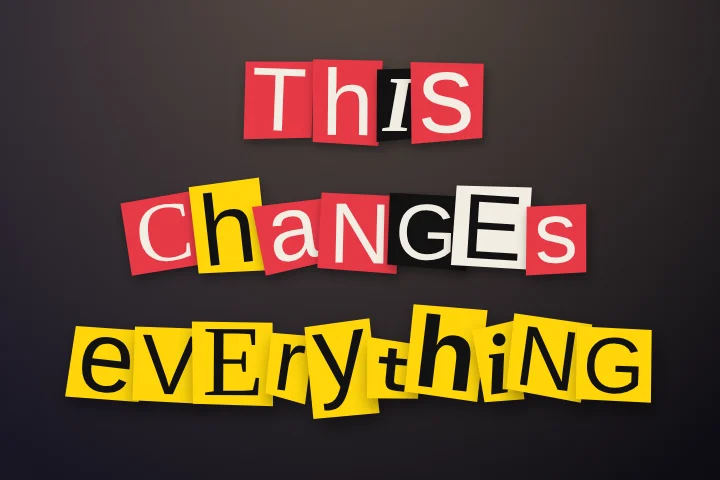
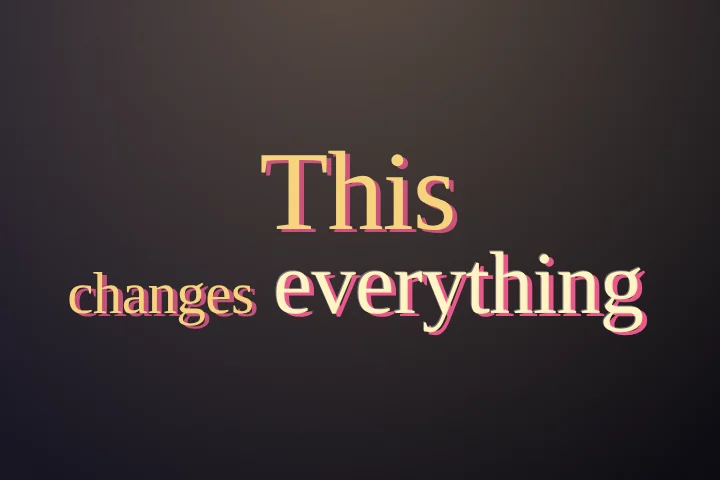
92 caption styles. Try any of them free.
Two free styles you can make your own, and 90 animated Pro looks. Every one is drawn by the same code that renders your MP4, so the preview is the export.
See all 92 caption styles → Hormozi-style captions, step by step →
The scorecard
Why not just use Submagic or VEED?
They're good products. But both need your video on their servers first, and their free tiers come with strings: a watermark, a required account, export limits.
| Feature | Karaoke Captions | Submagic | VEED | whisperweb.dev |
|---|---|---|---|---|
| Free with no watermark | Yes | No | No | Yes |
| Nothing uploaded (private) | Yes | No | No | Free tier |
| Animated word-by-word captions | Yes | Yes | Yes | No |
| Exports a finished MP4 | Yes | Yes | Yes | Subtitles only |
| No sign-up required | Yes | No | No | Yes |
Submagic, VEED and whisperweb.dev are trademarks or products of their respective owners. Feature and plan details reflect public information as of July 2026 and can change; check their sites for the latest. “Free tier” for whisperweb.dev refers to its in-browser free plan. Full Submagic comparison → Compare CapCut, Captions, VEED and more →
Pricing
Free forever. Pro makes every word pop.
Everything above is free and stays free. Try every Pro style on your own video: export it free with a small watermark, or go Pro to export it clean.
Free
$0
- Unlimited videos, no watermark
- Word-by-word karaoke captions
- Classic and Lyrics styles, fully editable
- MP4, SRT and VTT export
- Every Pro style to try, exported with a small watermark
Pro
Limited-time launch offer
Planned regular price$29
$19/year
$10 below the planned price
- No watermark, on any style
- 90 animated caption styles
- Auto emoji and smart highlights
- Filler-word cleanup and Pro fonts
- Or $3.99/month, or $59 once
30-day money-back guarantee. Monthly and yearly plans renew until you cancel. Payments by Polar, our reseller and merchant of record. See pricing →
FAQ
Questions, answered.
Still curious? Read karaoke captions, explained or how word-by-word captions work.
What is Karaoke Captions?
Karaoke Captions (karaokecaptions.com) is a free word-by-word caption generator for TikTok, Reels, Shorts and any other video. It transcribes your clip in the browser, highlights each word as it's spoken, and exports an MP4 with the captions burned in, plus SRT and VTT. No upload, no watermark, no account. It's made by an independent maker; here's who and why.
Is it really free?
Yes. Caption and export as many videos as you like, with no watermark and no “upgrade to download” wall. There's no account and no credit card. An optional Pro adds extra animated styles.
Is there a paid version?
Yes, an optional one. Pro adds 90 animated caption styles, auto emoji, smart highlights and filler-word cleanup for $19 a year at the limited-time launch price. You can try any Pro style on your own video first, and export it free with a small watermark. Everything that's free stays free. See pricing.
Do you upload my video anywhere?
No. Everything happens in your browser, on your own machine. The file never reaches a server, which is also why there's no upload to wait through. How to check it yourself.
Can I import my own SRT subtitles?
Yes, for free. Select Use my own SRT under the video button, or Import SRT in the editor’s Captions panel. Preview your subtitles, import them and choose a style. Your caption times are kept; word highlights are estimated and can be adjusted with Fix timing.
What can I export?
An MP4 with the captions burned in, plus standard SRT and VTT files for YouTube, TikTok, or an editor. The MP4 export runs in Chrome or Edge; the subtitle files work in any browser.
Does it work for TikTok, Reels and Shorts?
That's the main use case. Vertical 9:16, bold text sized for a phone, word-by-word timing you can follow on mute. Landscape 16:9 works too. Keep captions just below the middle so the apps' buttons never cover them (safe zones).
How many caption styles are there?
Two free styles, Classic and Lyrics, that you can fully customise, plus 90 animated Pro styles such as Glide, Neon, Sing-Along and Typewriter. You can try any of them on your own video for free. See every style.
Can I make a lyric video with it?
Yes. Switch to the lyric preset and the words are timed to the vocal instead of speech. The lyric video maker page walks through it.
Do I need to install anything?
No. It runs in the browser. Once the caption model has loaded it keeps working even if you go offline, since the model stays cached on your device.